
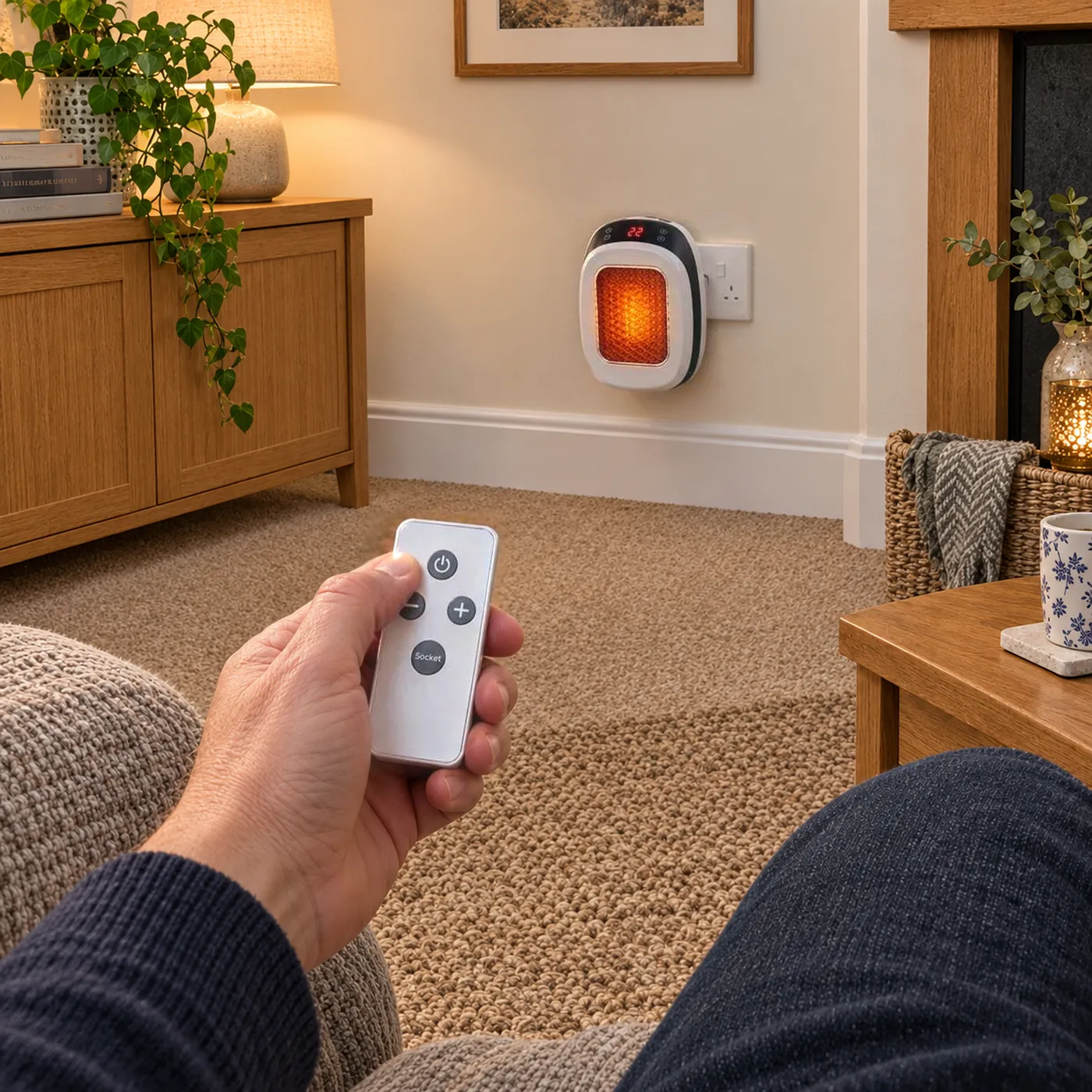
Quick start
Set up in about 2 minutes
- 1.Make sure it's unplugged
- 2.Rotate the plug to suit your socket
- 3.Plug straight into a wall socket
- 4.Press power
- 5.Set your temperature with + and –
- Free tracked UK deliveryDispatched from our UK team
- Money-back guaranteeTry it on your own meter
- Secure checkoutEncrypted, powered by Shopify
- CE & UKCA markedOverheat cut-out built in


Step-by-step setup
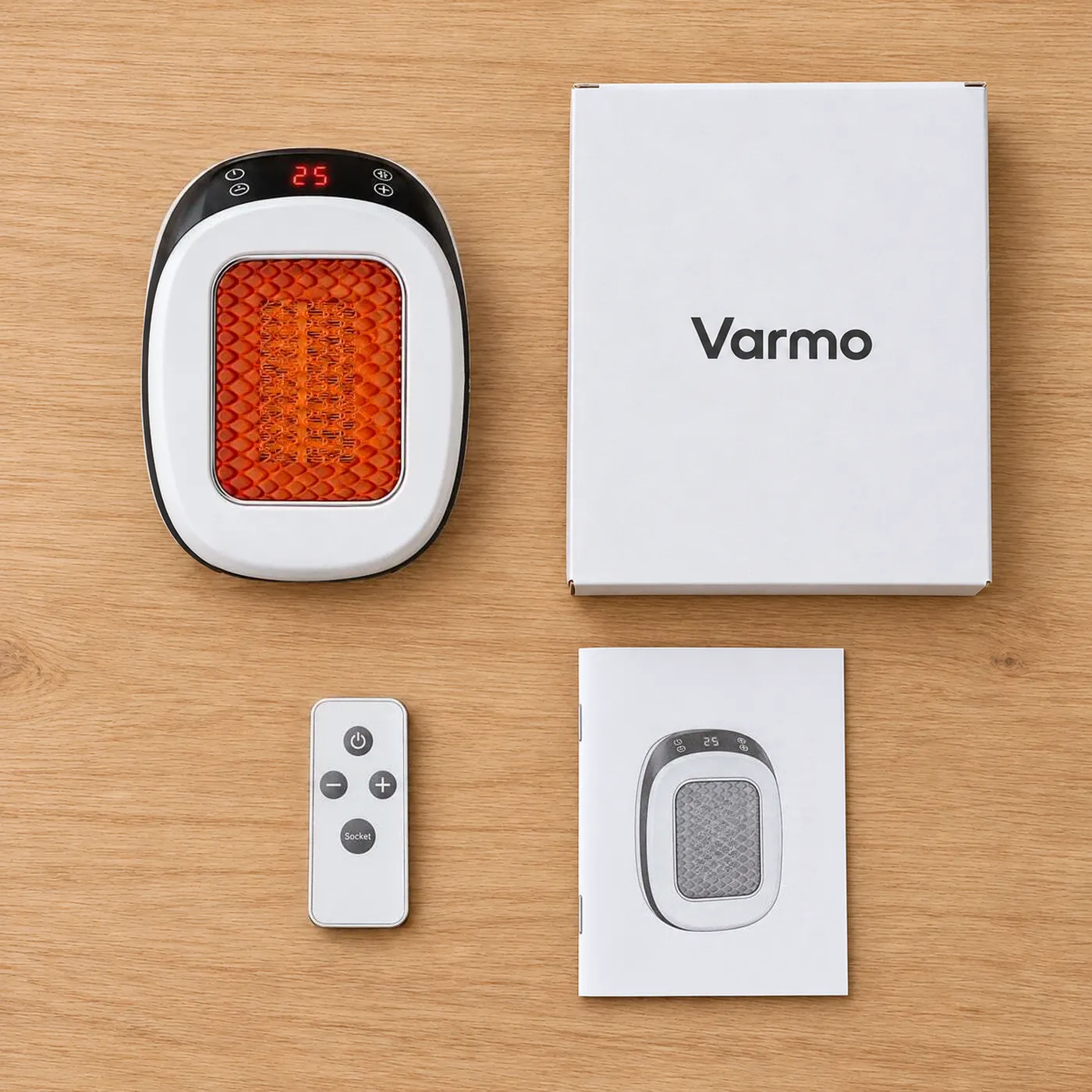
1Unbox
Take the heater, remote and manual out of the box and remove all packaging and stickers from the heater.
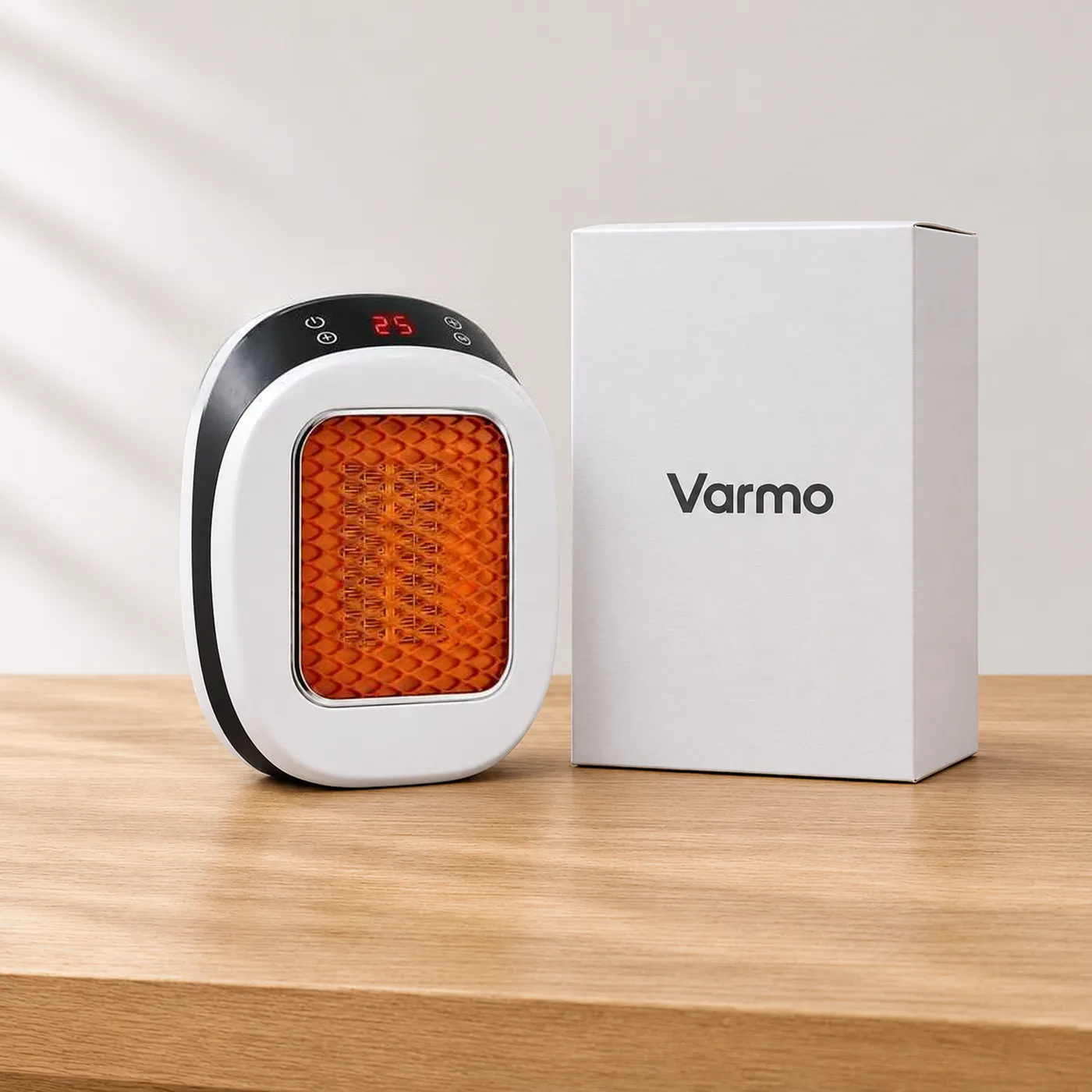
2Rotate the plug
With the heater unplugged and cool, turn the plug so the heater will sit upright in your socket.
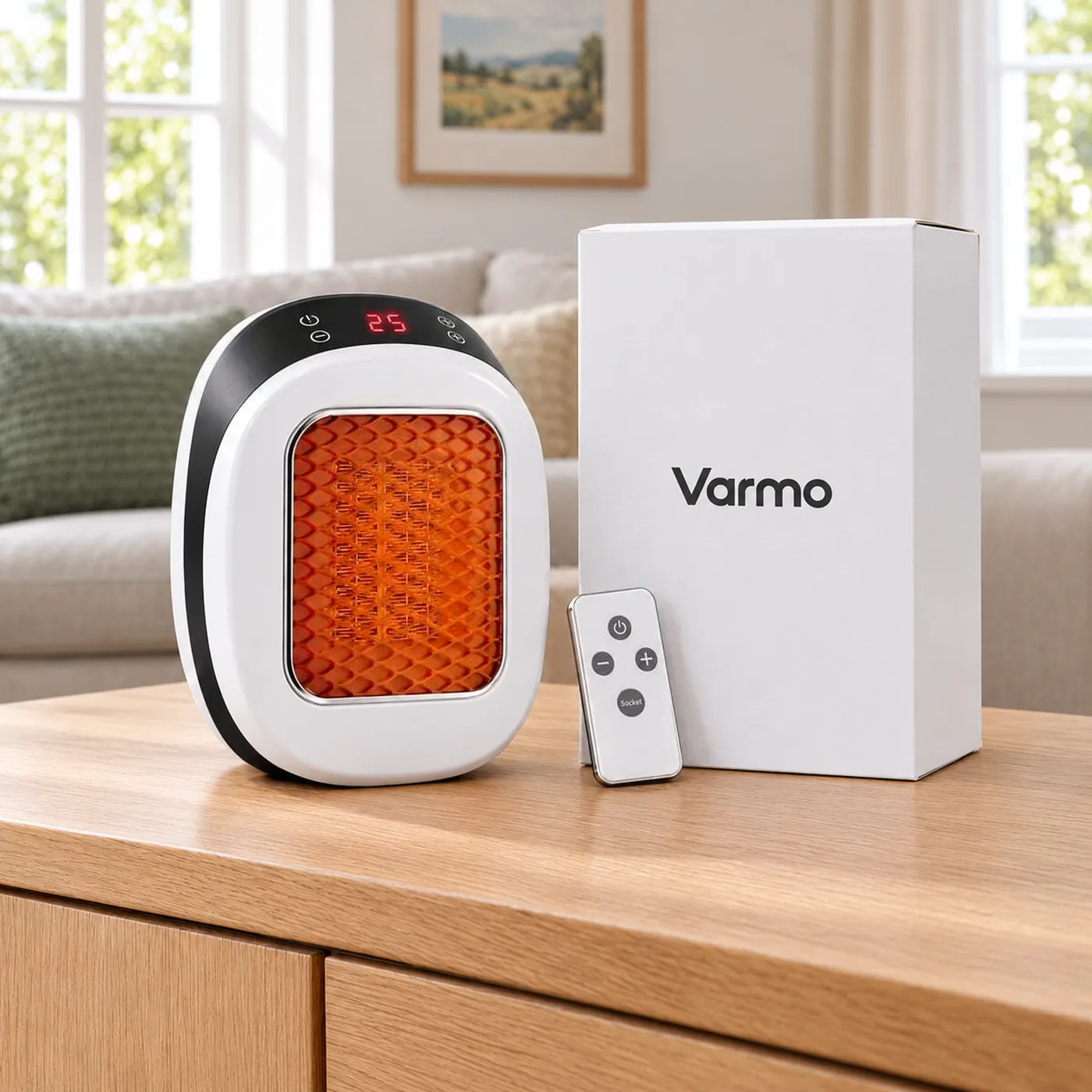
3Plug into a wall socket
Push it firmly into a wall socket and switch the socket on. Never use an extension lead or adaptor.
4Switch on
Press the power button on the heater or the remote. The display lights up.
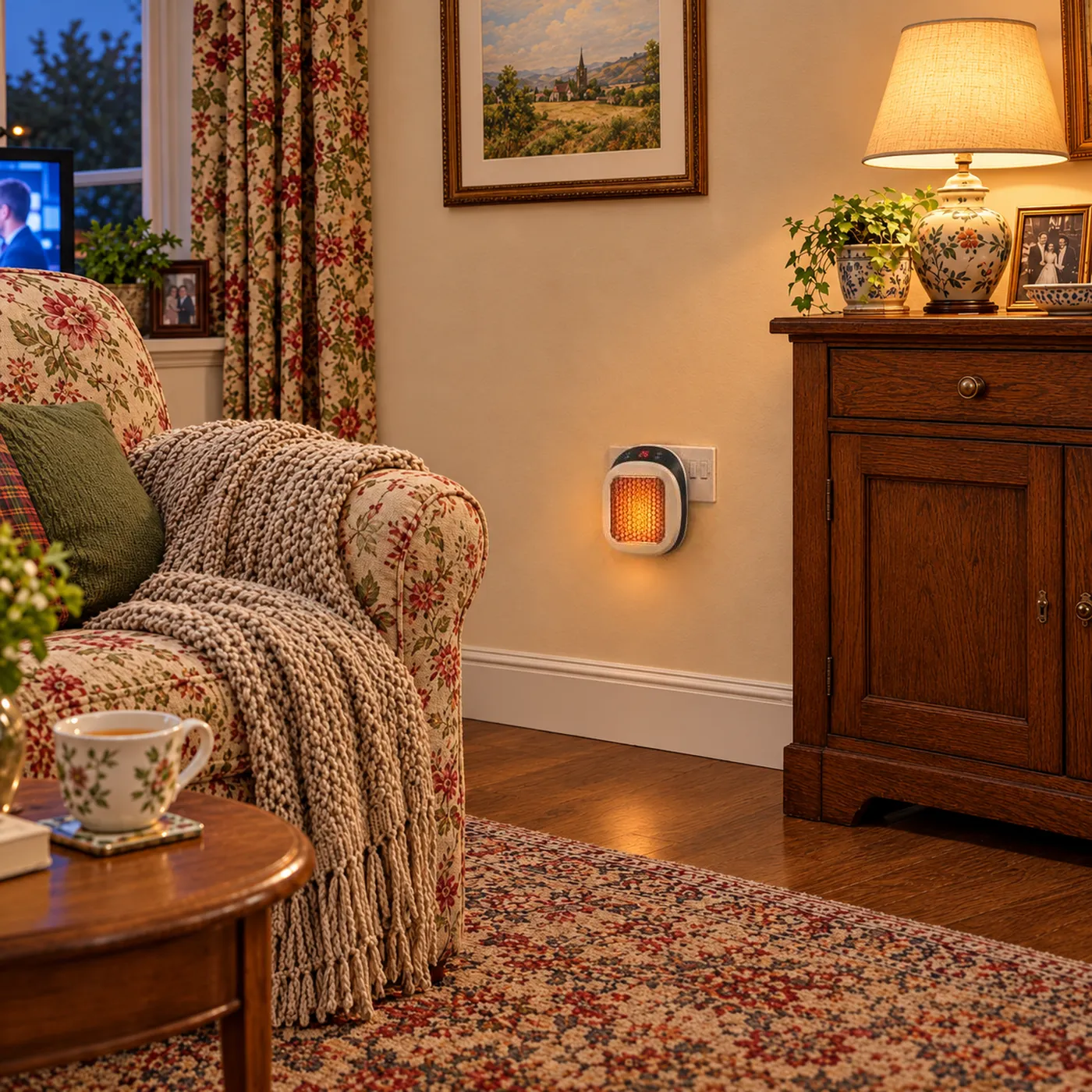
5Set your temperature
Use + and – to choose 15–32°C. Varmo warms the room, then holds it there.
Your controls explained
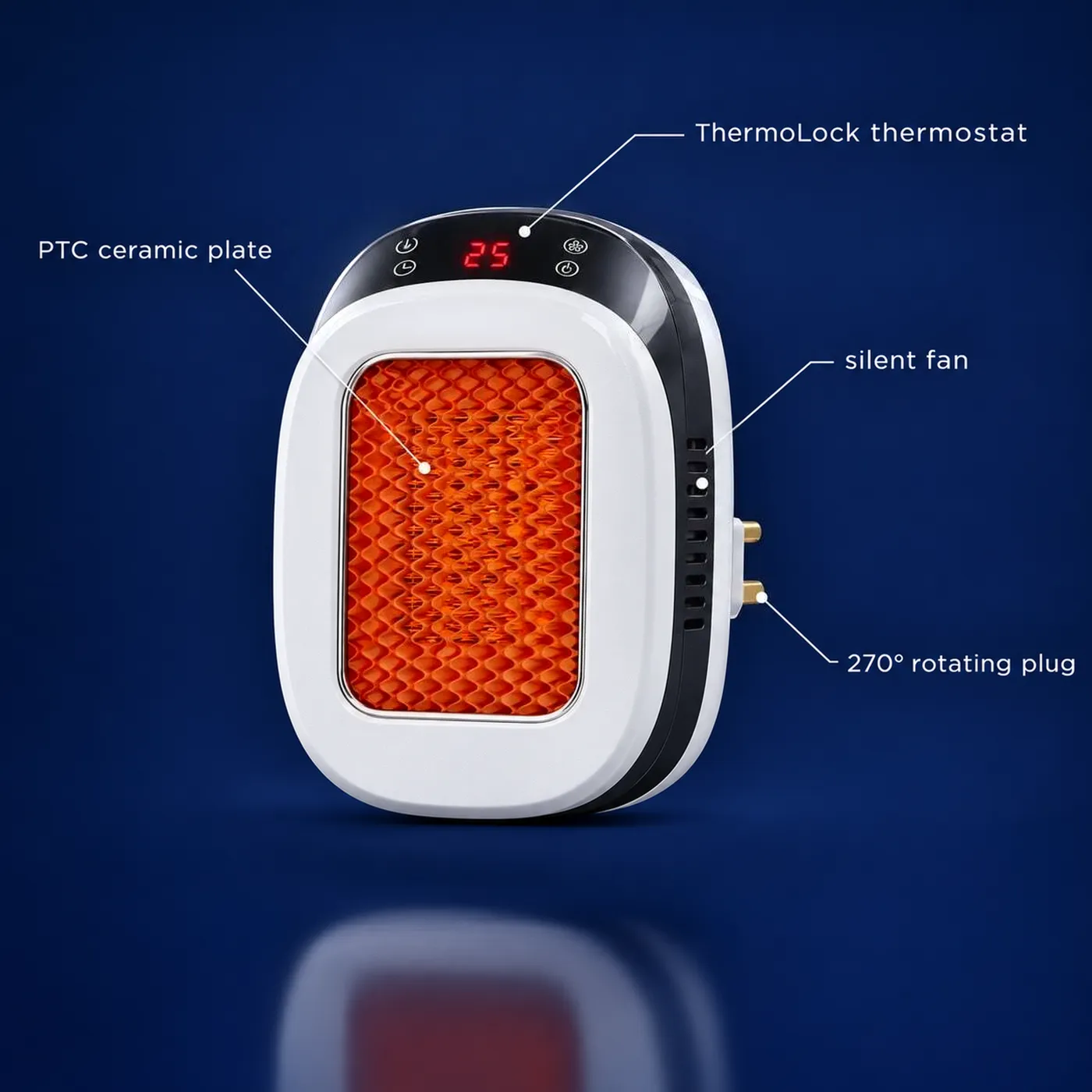
Power
Switches Varmo on and off. Use it on the heater or the remote.
+ / – temperature
Raises or lowers your target temperature between 15 and 32°C.
Timer
Sets auto-off after 6 to 12 hours, as a back-up in case you forget.
Mode / fan
If your model has heat levels or a fan setting, the manual shows the button for them.
Remote control
Point it at the display from across the room. If it stops working, check or replace the battery.
Button layout can vary slightly. Your printed manual shows the exact controls for your heater.
Setting the temperature
Press + or – to choose a temperature between 15 and 32°C. ThermoLock warms the room to that setting, then switches the heater off and on to hold it. A lower setting means it runs less, which keeps your costs down.
| Room | Suggested setting |
|---|---|
| Lounge or sitting room | 19–21°C |
| Home office | 18–20°C |
| Bedroom (before bed) | 16–18°C |
| Hallway or spare room | 15–17°C |
Money tip: each degree lower uses a little less electricity. Find the lowest setting that keeps you comfortable.
Using the timer
With Varmo switched on, press the timer button until the number of hours you want shows (6 to 12). Varmo switches itself off when the time is up.
The timer is a back-up in case you forget. Always switch Varmo off yourself before you go to sleep or leave the house.
Troubleshooting
| Problem | Likely cause | What to do |
|---|---|---|
| Won't turn on | Socket off or plug not fully in | Switch the socket on and push the plug in firmly. Try another wall socket. |
| Remote not working | Flat battery or blocked line of sight | Replace the battery and point the remote straight at the display. |
| Display is blank | No power reaching the heater | Check the socket and plug. If still blank, unplug for a minute and try again. |
| Switched off by itself | Timer finished or overheat cut-out tripped | Check the timer. If it overheated, unplug, let it cool for 30 minutes, clear anything blocking it, then plug back in. |
| Room not warming | Target temperature too low, or room too large or draughty | Set a higher temperature, close doors and windows, and remember Varmo is made for one normal-sized room. |
| Turns on and off often | ThermoLock holding your temperature | That's normal. It means the room has reached your setting. |
| Slight smell at first | Normal on first use as new parts warm up | Air the room. It should fade after the first few uses. If it continues or smells like burning, switch off and contact us. |
| Plug feels loose | Worn socket | Use a different wall socket. Don't use a loose or damaged socket. |
| Timer not working | Timer not set, or set while switched off | Switch on first, then press the timer button until your hours show. |
| Still not working | A possible fault | Stop using it and contact our UK support team with your order number. |
Cleaning and storage
- Switch off, unplug and let it cool before cleaning
- Wipe with a soft, dry cloth
- Never spray water or cleaner on the heater
- Gently remove dust from the vents so air flows freely
- Store it in its box somewhere dry over summer
Safety reminders
Do
- Use a wall socket directly
- Keep it clear of curtains, bedding and furniture
- Switch off before bed or going out
Don't
- Use an extension lead or adaptor
- Cover it or dry clothes on it
- Use it in a bathroom or near water
More detail: Is Varmo safe?
Thinking of buying? If you can plug in a phone charger, you can set up Varmo.
Which instructions should I follow if the buttons look different?
Use the manual supplied with your particular heater. This page explains the general setup and features, but it should not replace model-specific directions. Button symbols, display messages and control sequences need to match the unit in front of you. Do not guess a hidden button combination or copy a video showing a different heater.
If the manual is missing or unclear, contact the seller with your order details and ask for the correct version. A photograph of the controls and model label can help identify it. Keep the heater unplugged if you cannot confirm safe positioning or operation. There is no need to test unfamiliar reset sequences. The safest response to uncertainty is to obtain the right instructions before continuing, rather than learning through repeated trial and error.
How do I choose a temperature that feels comfortable?
Begin with a sensible target for the people using the room, then adjust gradually. The 15–32°C control range describes available settings, not a recommended temperature for everyone. Older people, those with health conditions and people who sit still for long periods may need different arrangements. Follow relevant health advice rather than choosing the lowest number simply to reduce cost.
A high setting does not increase the heater's 600 W maximum power. It can make it continue calling for heat for longer. Judge comfort where you sit, away from the immediate outlet airflow, and remember that the displayed target may differ from a separate thermometer elsewhere. If the room cannot become comfortable, check its suitability and heat loss. Do not block ventilation or place the heater too close to yourself to compensate.
How do I use the timer without leaving the heater unattended?
Treat auto-off as a backup to your own routine. The timer can stop operation after the selected period, but it cannot know whether bedding has moved, a pet is nearby or someone has covered the outlet. It also cannot decide whether the room has become empty. You still need to switch off when leaving or preparing to sleep.
The earlier wording about preventing all-night heating should not be read as an overnight safety guarantee. A six-hour setting can still extend beyond the time you remain awake and present. Check the displayed timer value and consult the manual for changing or cancelling it. Do not assume how settings behave after a power interruption. If you want the heater off sooner than the available timer interval, switch it off yourself at the appropriate time.
What should I check if the remote does not respond?
First check whether the controls on the heater work normally. If they do, the issue may be with the remote rather than the heating unit. Point the remote as directed in the manual and remove obvious obstructions. Check whether a battery isolation tab needs removing, but do not assume every supplied remote has one.
Use only the battery type and fitting method specified for the remote. Check polarity and close the compartment securely. Keep all batteries, especially small button batteries, away from children and pets. Do not pry open a damaged remote or fit a battery that does not match. If new batteries do not solve the problem, contact support. Avoid repeatedly switching the heater at the wall as a substitute for understanding a fault or following the correct shutdown procedure.
Why does the heater stop before the room feels warm?
A thermostat may pause heating when its sensor reaches the target, even if another part of the room feels cooler. Air near a heater can differ from air beside a chair or window. Check that the inlet and outlet are clear and that the target is suitable. Do not cover the heater or move it into a confined space to change its sensor reading.
Stopping can also indicate a protective response or fault. If the unit repeatedly cuts out unexpectedly, switch off and allow it to cool. Follow the manual rather than repeatedly restarting it. A heater that smells burnt, sparks or has a hot or damaged plug should remain out of use. Do not dismantle it or bypass a safety device. Ask the seller for guidance and have a suspect socket checked by a qualified electrician.
How should I clean and store Varmo?
Switch off, unplug and allow the heater to cool fully before cleaning. Follow the manual's approved method. Keep water away from the electrical parts and never immerse the heater. Do not spray cleaning products into the air openings or push tools through the grille. Avoid any method that could leave moisture inside the unit.
Check for dust and visible damage before the next use. Store the heater dry, protected from knocks and away from places where it could fall or become damp. Keep the remote and manual together so they are easy to find when colder weather returns. Do not pack a warm heater away. If it has been dropped during storage, inspect it carefully and seek advice if there is any doubt about its condition rather than plugging it in to test.
What should I do when moving Varmo to another room?
Switch off, isolate at the socket, unplug and wait for the heater to cool. Follow any cooling or shutdown instructions in the manual first. Do not carry it while connected or twist it in the socket to change its orientation. Adjust the rotating plug only when it is disconnected and cool.
Assess the new location from the beginning. A suitable socket in the study does not mean the bedroom socket behind a curtain is acceptable. Check clearances, stability and access to the controls. Do not use a lead to bridge the gap to a preferred spot. When setting up for someone else, show them how to turn it off and explain the warning signs that mean it must not be used. Leave the manual where they can find it.
Step-by-step
- Read and inspect. Read the supplied manual, remove packaging and inspect the heater, plug and pins. Do not use a damaged unit.
- Choose a suitable socket. Use a sound wall socket with clear airflow and the manual's required space around the heater. Keep fabric and furniture away.
- Adjust before connecting. With the heater unplugged and cool, adjust the rotating UK plug as described in the manual. Do not force it.
- Connect directly. Insert the heater securely into the wall socket without an extension lead, multiway adaptor or travel adaptor.
- Switch on and set a target. Use the touch panel or remote as described in the manual. Choose a suitable temperature within the 15–32°C range.
- Set and check auto-off. If using the 6–12 hour auto-off timer, follow the manual and check the displayed setting. Remain responsible for switching off.
- Observe operation. Stay nearby, keep airflow clear and check for normal operation. Stop using the heater if there is smoke, sparking or a burning smell.
- Finish safely. Switch off before leaving or sleeping. Follow any shutdown sequence in the manual, isolate at the socket and allow the heater to cool before moving.
Who it is not for
We'd rather you buy the right heater than return the wrong one. Varmo is probably not for you if:
- You cannot position the heater with the manual's required clearances.
- You need unattended or overnight heating.
- You cannot safely reach the socket or arrange suitable help.
More questions answered
Sources
Facts on this page were checked against these independent sources. Energy prices use the Ofgem price cap for 1 October to 31 December 2026.
Get your Varmo
Launch price: half off. Buy more and pay less per heater.
You'll pay £99.00 today · Free tracked UK delivery · No subscription
Secure checkout by Shopify
- Free tracked UK delivery
- Money-back guarantee
- Secure Shopify checkout